Update Shopify products from CSV with explicit rules
Safe CSV separates product updates from product creation. It defines how rows match, what blank cells mean, and what happens when a row or handle does not match.
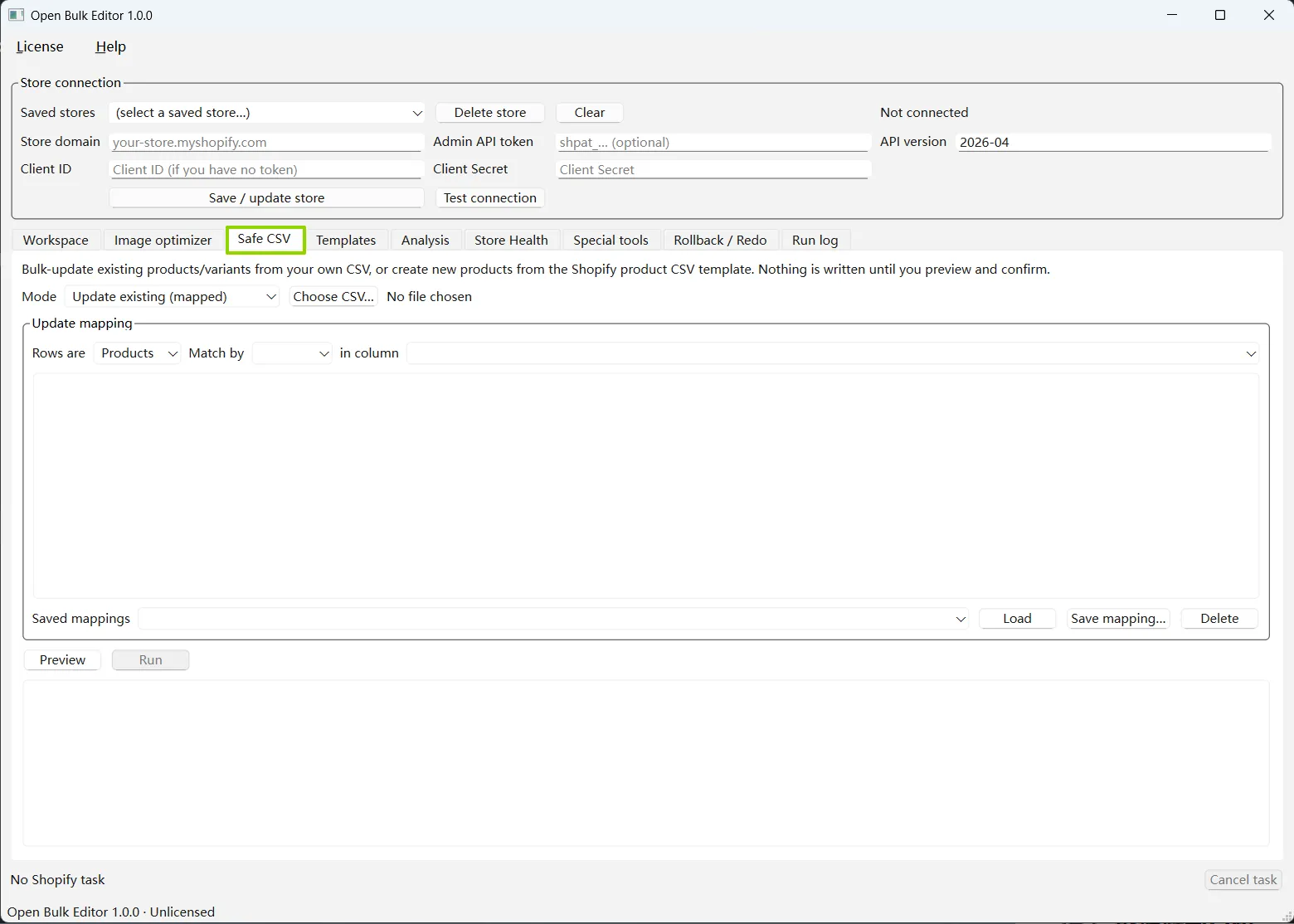
Safe CSVSafe CSV keeps update mapping, saved profiles, preview, and execution in one screen. The Run button remains unavailable until a file has been mapped and previewed.
Update existing
Update existing products without creating new ones
Map your columns, then match products by Product ID or Handle. Match variants by Variant ID or a store-unique SKU. The app blocks a SKU that points to more than one variant.
Blank: Blank cells leave existing values alone.
__CLEAR__: Empty the supported field.
__NULL__: Set a nullable field to null.
Unmatched row: Report it. Do not create a product.
Create new
Create products from a Shopify-style CSV
Handle groups the product and variant rows. The flow reads product details, up to three options, variant pricing, inventory, images from public URLs, ALT, and SEO fields.
Every row belongs to CREATE.
Existing handles are not overwritten.
Initial inventory needs a selected location.
New products use a snapshot backup, not a full rollback promise.
1. Parse locally
The app reads structure and values before Shopify work starts. Mapping profiles can be saved for repeat files.
2. Resolve every target
Update rows are matched and merged first. Ambiguous or invalid rows are separated from writable rows.
3. Preview and back up
The result is bound to the store, file metadata, mode, mapping, and inventory location before execution.
Large files still need sensible batches
The current CSV flow uses standard batched Shopify mutations. It does not use asynchronous Bulk Operations. For very large imports, split the file into batches you can review and recover.
We use optional Google Analytics cookies to understand page visits and improve the site. Analytics loads only after you accept. Rejecting analytics does not affect the website or desktop app. Read our privacy policy.